PaperCut Hive & Pocket Monitoring and Outage Alerts
Printing is the first thing staff notice when it breaks. Statance watches PaperCut Hive and Pocket for your region (US, UK, EU, Australia/NZ or Canada) and alerts your team on partial or major outages. Add a read-only API key and it also checks your organization through PaperCut’s Health API and warns 30 days before your subscription ends.
Set up PaperCut Hive
Add a PaperCut Hive monitor
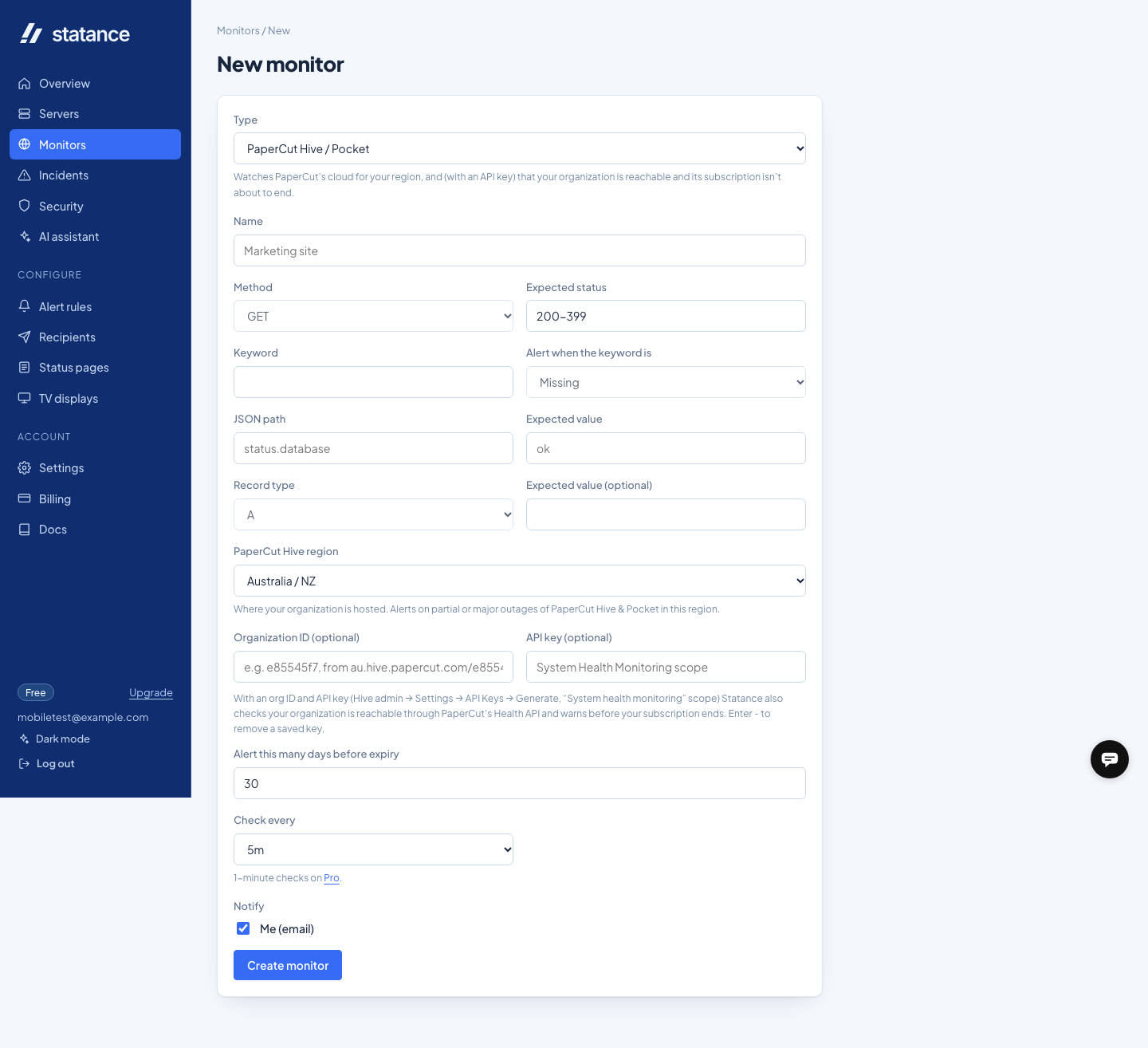
In Statance go to Monitors → New → PaperCut Hive / Pocket and choose the region your organization is hosted in. That’s enough for outage alerts.
Optional: connect your organization
In Hive go to Settings → API Keys → Generate, keep “System health monitoring” (read-only) ticked, and paste the key plus your org ID (or your Hive URL, e.g. au.hive.papercut.com/abc123) into the monitor.
Choose who hears about it
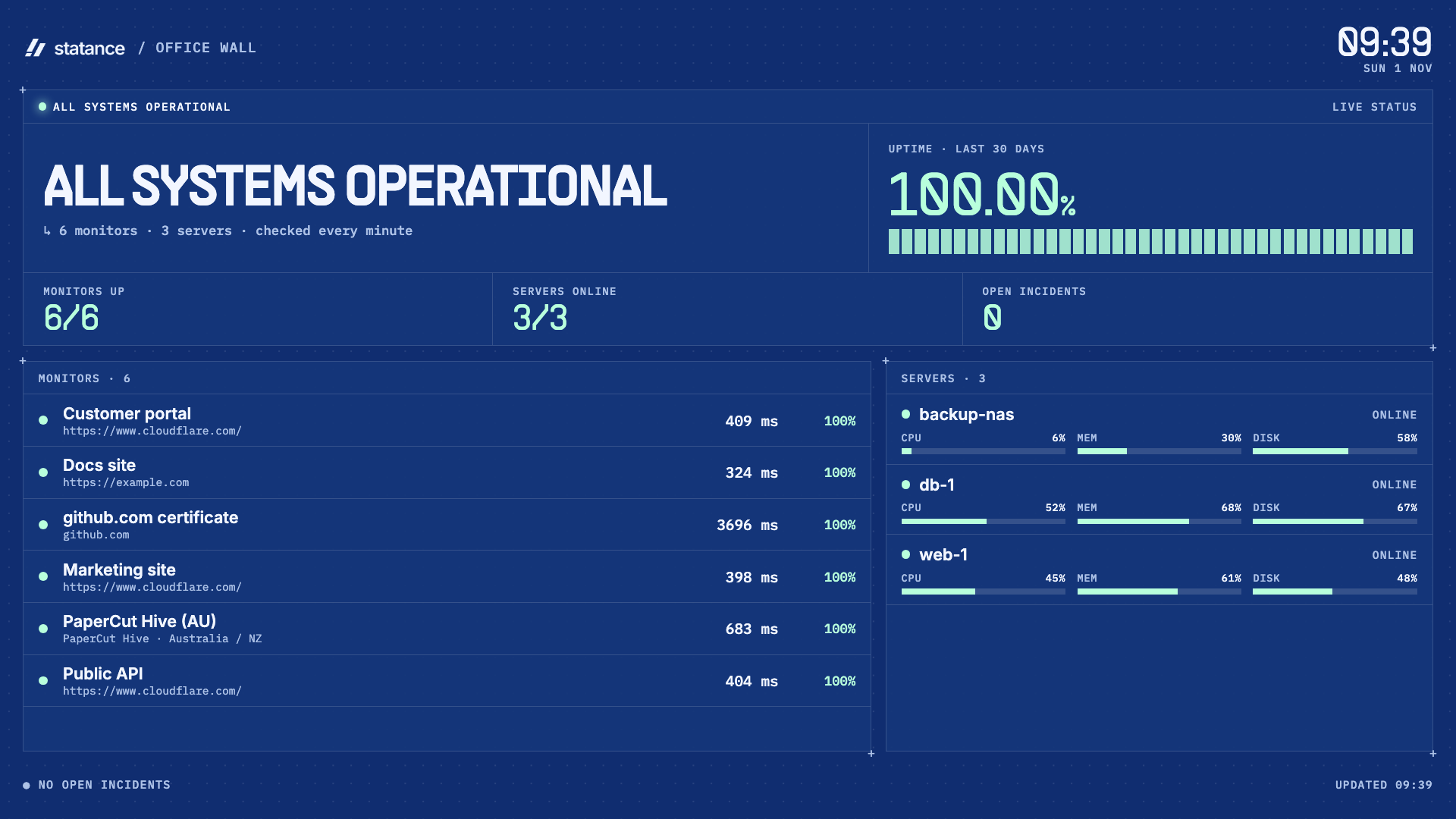
Pick recipients (email, Slack, Teams, push and more). Add it to a status page or a TV display so everyone can see printing is fine.
What you get
- An alert when PaperCut reports a partial or major outage for your region, with the incident name
- A recovery alert when it’s resolved, with how long it lasted
- A warning before your PaperCut subscription or trial ends
- An alert if your API key is revoked or expires
- Uptime history, plus status page and TV board support
See it
FAQ
Does Statance need admin access to PaperCut?
No. Outage alerts use PaperCut’s public status page. The optional API key uses the read-only “System health monitoring” scope.
How often does it check?
Every 5 minutes, which is what PaperCut recommends for its status and Health APIs.
Does it work for PaperCut Pocket?
Yes. Hive and Pocket share the same cloud and status components.
What about PaperCut NG or MF?
Those run on your own server: monitor the web interface with an HTTP monitor and the server itself with the Statance agent.
 Linux
Linux Docker